See Which Affiliate Sales Your Ads Actually Drive
Find out which sales your ads drove, which creators sell on their own, and what commission you’ll owe before it settles.
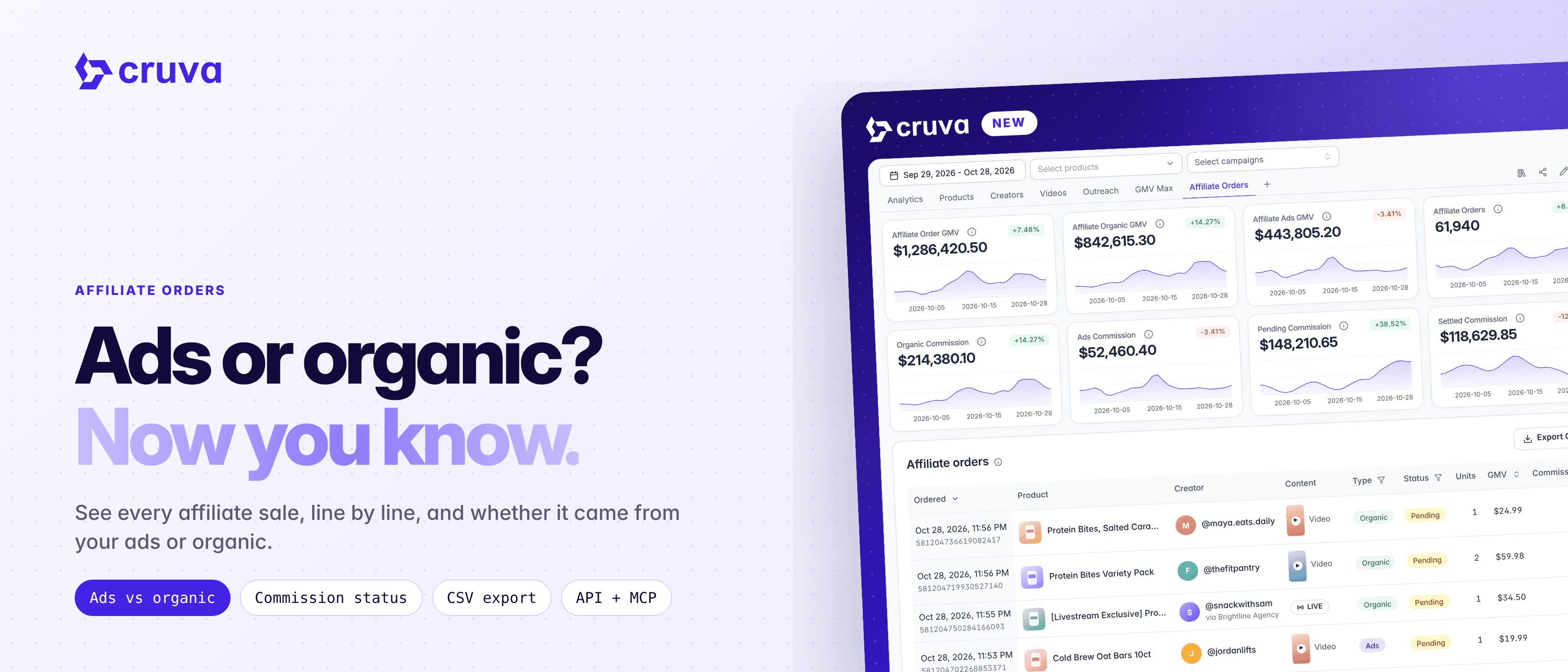
Affiliate Orders brings your TikTok Shop affiliate orders into Cruva, one row per product, and tags each one Ads or Organic. Now you can see which creators and posts sell on their own, which sales came through your ads, and what commission you'll owe before it settles.
Ads or organic, per order
Orders that paid shop-ads commission, for example through GMV Max, are tagged Ads. Everything else is Organic.
The content behind the sale
Each order shows the video, carousel or LIVE that drove it, or the creator's showcase.
Commission you can forecast
See whether each order is Unpaid, Pending, Settled or Ineligible, with TikTok's estimate and what was actually paid.
Reward organic demand
Commission Boost can now pay ads and organic sales at separate rates.
How it works
Open Dashboard and go to the Affiliate Orders tab. Orders sync automatically from TikTok Shop, going back about 3 months from when your shop first synced, with newer orders arriving on each sync.
- 1
Read the stat cards
Eight cards show Affiliate Order GMV, Organic GMV, Ads GMV and Affiliate Orders, then Organic Commission, Ads Commission, Pending Commission and Settled Commission.
- 2
Browse the orders table
Each row shows when the order was placed, the product, the creator (with the partner's name for agency campaign orders), the content, Type, Status, units, GMV and commission. Click a video or carousel cover to watch it.
- 3
Filter, sort and export
Filter by Type or Status, sort by date, GMV or commission, and export up to 10,000 orders to CSV, including SKU IDs and unit price.
- 4
Compare creators and posts
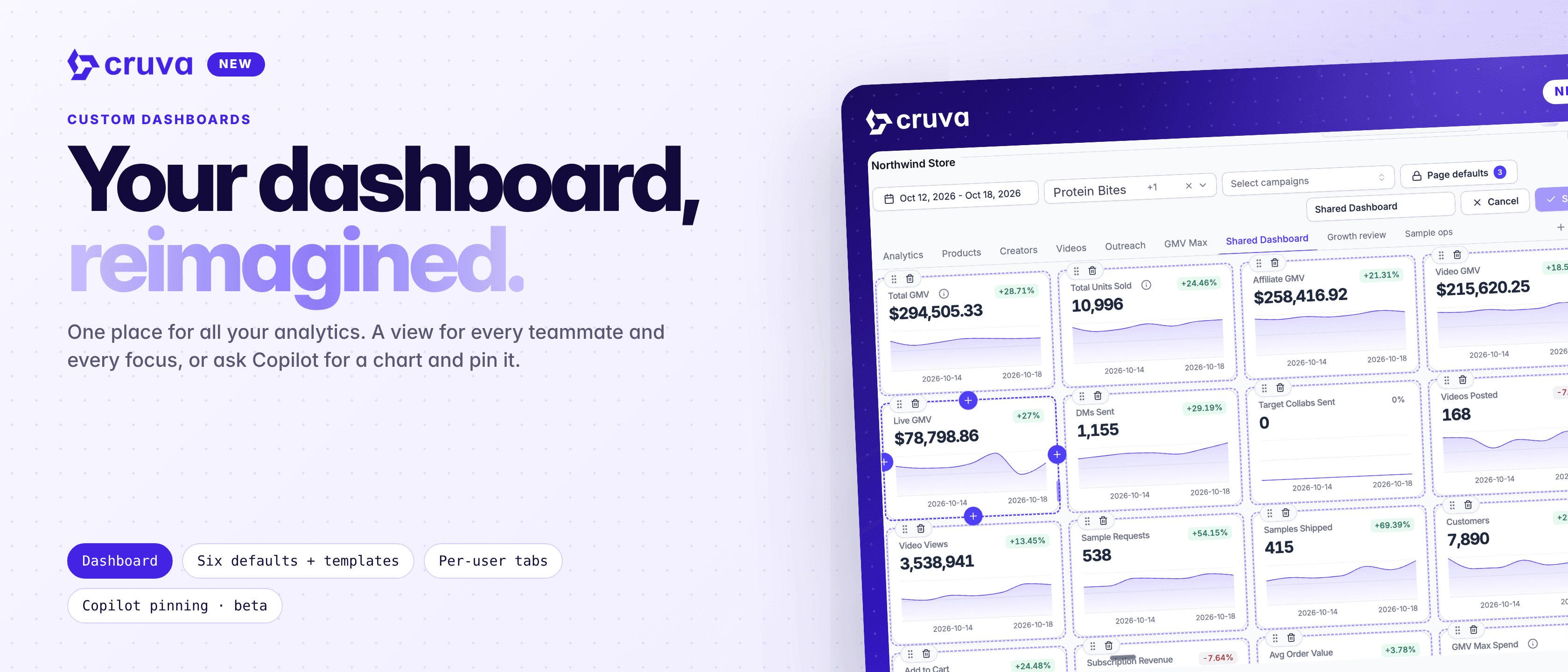
Organic and Ads GMV, units and commission columns now appear on My Affiliates, Videos, LIVEs and Carousels, so you can sort by what sells on its own.
- 5
Pay for the sales you want
In a Commission Boost, choose Separate rates for ads and organic sales. Leave the ads rates empty to reward organic sales only.
The table follows the dashboard's date, product and campaign filters. It also lists cancelled and refunded orders as Ineligible, crossed out, but those don't count toward the cards.
Ads or organic? Now you know.
How ads and organic are decided
Each affiliate order says whether it paid shop-ads commission, meaning the creator's content was used in your ads, for example GMV Max. Those orders are Ads. The rest, partner and agency campaign orders included, are Organic. The two always add up to the GMV next to them.
Because the order history starts about 3 months before your shop's first sync, older ads sales count as organic in all-time totals, and the split shows -- where there are no orders to go on.
Why it matters
- See what your ads drive. Separate affiliate sales paid as organic from sales paid at your shop-ads commission rate, and compare them with what your GMV Max tab reports.
- Reward the creators who drive demand. Spot the creators whose content sells on its own, not just the ones whose videos ran in ads.
- Forecast payouts. Pending Commission shows the estimated commission on orders that haven't settled yet.
- Build on it. Affiliate orders and the organic and ads split are also available through the Cruva API and MCP.
See where your affiliate sales come from
Open Dashboard and go to the Affiliate Orders tab. Anyone with Dashboard access can see it.