See the Mention. License the Post.
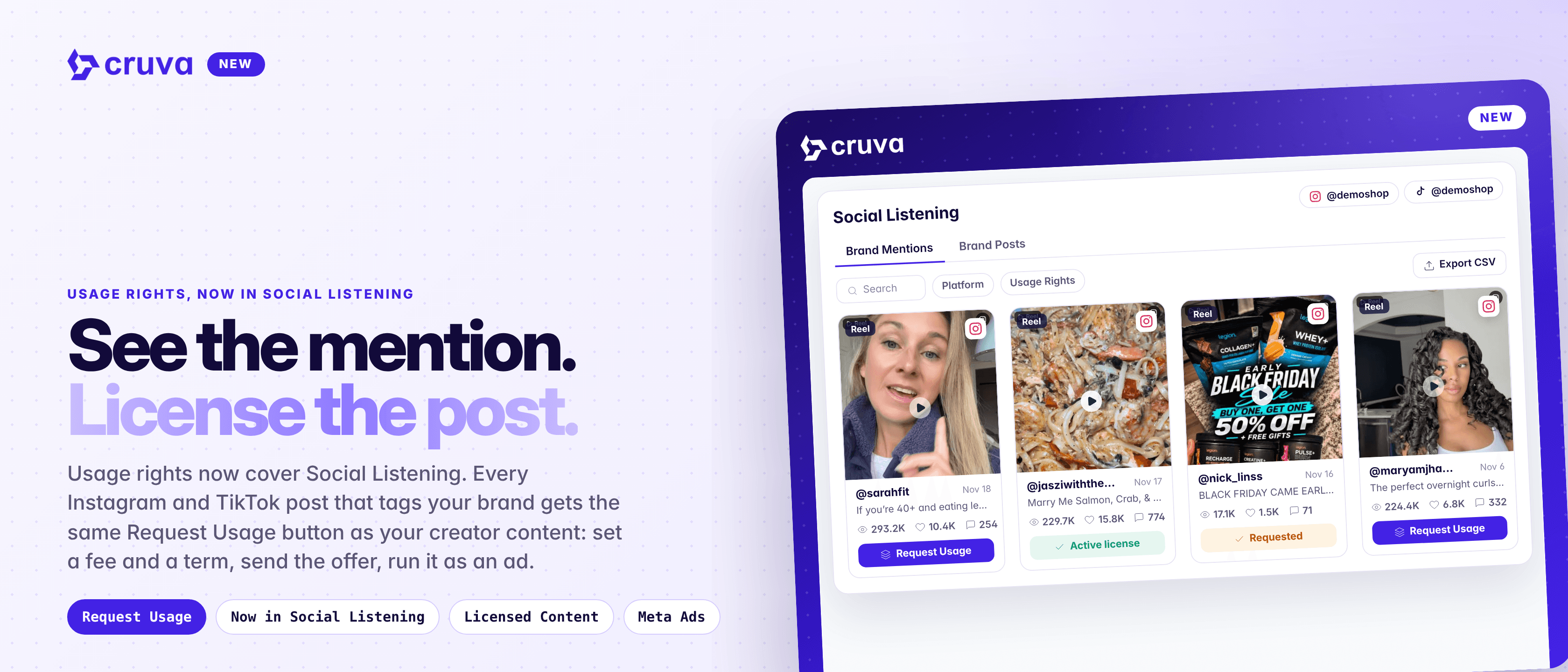
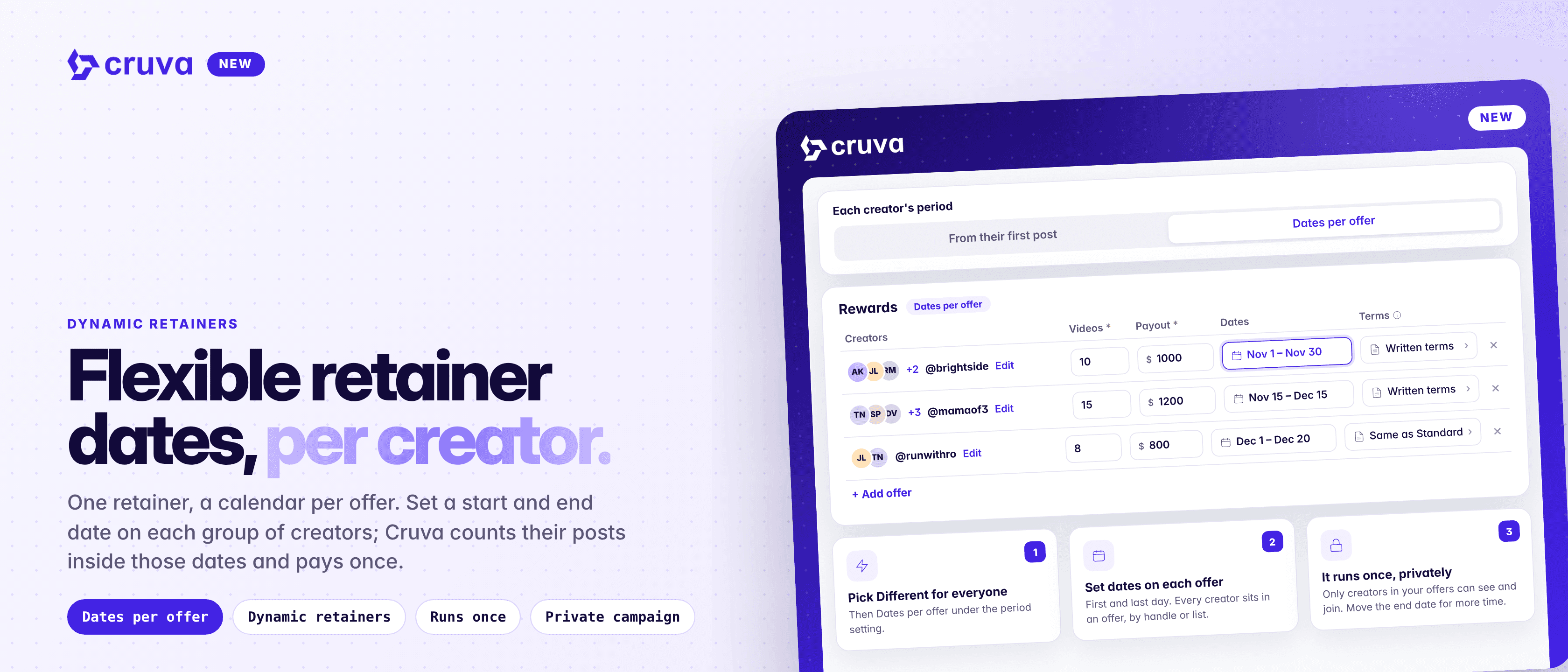
Usage rights now cover Social Listening: request a license on Instagram and TikTok posts that tag or mention your brand, then run them as ads.
Some of your best ad creative comes from creators who tag you without being asked. Usage rights already let you license your TikTok Shop creator videos. Now the same Request Usage button is on your brand mentions in Social Listening, so you can license an Instagram or TikTok post the moment you spot it.
Request Usage on mentions
Under each mention's card, and in the Usage Rights column of the list view.
One offer, up to 50 posts
Add more posts from the same creator to a single offer, with a fee and term you set.
From mention to ad
Once accepted and paid, the post sits in Licensed Content, ready to push to Meta Ads or download.
How it works
Open Content > Social Listening and go to Brand Mentions. Request Usage sits under each post's card in the grid, and in the Usage Rights column when you switch to rows.
- 1
Pick a mention
Click Request Usage on an Instagram or TikTok post that tags or mentions your brand.
- 2
Add more posts
Add more videos pulls in other posts from the same creator, up to 50 in one offer.
- 3
Set the terms
Choose the Duration in months, or indefinite, the Flat Fee, and how many days the offer stays open.
- 4
Send it
Send by Instagram DM, by Cruva message for creators in your community, or choose Copy link to get the offer link and send it yourself. The offer link is always included.
- 5
Pay and run it
When the creator accepts, pay from your Creator Community balance. The post becomes Active in Licensed Content, where you can push it to Meta Ads or download it.
Once an offer is open on a post, the button reads View Usage and opens it. Request Usage shows on brand mentions only, not on your own posts in Brand Posts.
See the mention. License the post.
Track every offer from Social Listening
The Usage Rights filter shows mentions by where they stand: Requested (waiting on the creator or your payment), Active, Expired, or None. Tick more than one to see them together.
Good to know
- Creators confirm they own the post. To accept, a creator signs in to Cruva with the Instagram account connected, or the TikTok account verified, that the post came from. Paid offers also need their payouts set up.
- Instagram DM limits apply. Meta only allows partnership messages to Creator Marketplace creators with 250K followers or fewer. When Instagram DM is greyed out, use Copy link.
- Some posts need a manual upload. Instagram doesn't share reels with licensed music, and photos aren't videos, so download those and upload them to Meta yourself.
License your next brand mention
Open Content > Social Listening > Brand Mentions and click Request Usage on any post. Usage rights and Social Listening are on the Scale plan.